mbi7 Login — Back in Seconds
Enter your registered mobile number and password to access your mbi7 account. New here? Register for free — minimum deposit just RM5.
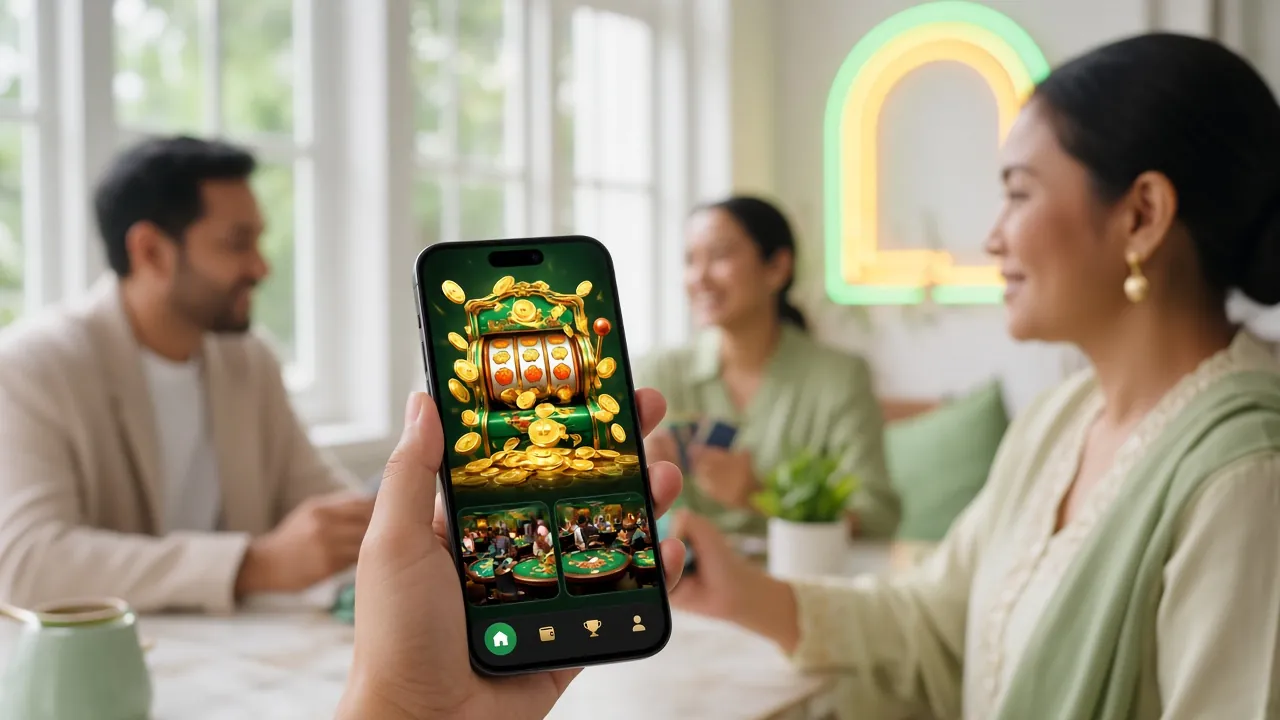
- SSL-encrypted login — your data is protected end-to-end.
- Deposits credited in 6 minutes; withdrawals processed in 38 minutes on average.
- Access 5,700+ games from Pragmatic Play, CQ9, Sexy Gaming and more.
- 24/7 Live Chat support — reach us any time if you have login trouble.
- Prefer the app? Download the mbi7 App (v2.7.2, Android 10.0+, 36 MB, free).
- 18+ · Play Responsibly
- SSL Encrypted
- 24/7 Support
- Touch 'n Go & DuitNow
Which Login Method Works for You?
mbi7 supports three ways to sign in. The browser login and the app login use the same credentials — your registered mobile number and password. Pick whichever suits your device and situation.
| Method | Where | Best For | Credentials Needed | Notes |
|---|---|---|---|---|
| Browser Login Recommended | mbi7.mobi on any browser | Desktop, laptop, or any smartphone browser | Mobile number + password | No installation needed; works on iOS Safari and Android Chrome without extra steps. |
| mbi7 App Login | Download APK (Android 10.0+) | Frequent mobile players who want faster load times | Mobile number + password | App version 2.7.2, 36 MB, free. Same account as browser — no separate registration required. |
| Saved Credentials | Browser password manager or device autofill | Players who want one-tap access on a trusted device | Autofilled from stored login | Tick "Remember me" on the login form. Only enable on a personal device — not on shared or public computers. |
All three methods access the same account and wallet. Your balance, bonus progress, and VIP tier are always in sync.
How to Log In to mbi7 — 4 Simple Steps
Whether you are on a phone, tablet, or desktop, the mbi7 login process takes under 30 seconds once you know the steps. Follow these in order.
-
Open the mbi7 Login Page
Go to mbi7.mobi/mbi7-login/ in your browser, or tap "Log In" inside the mbi7 App. Make sure you are on the official domain — check the address bar before entering any credentials. Avoid clicking login links sent by third-party Telegram groups or WhatsApp messages.
-
Enter Your Mobile Number
Type your full Malaysian mobile number — the same one you used during registration (e.g. 01x-xxxxxxxx). Use digits only; do not include spaces, dashes, or the country code (+60). If you registered with a different number, contact 24/7 Live Chat before attempting multiple failed logins.
-
Enter Your Password and Submit
Type your password — it is case-sensitive. Use the eye icon to reveal characters if you are unsure of your input. Tick "Remember me" only on your own device. Once both fields are filled, tap Log In. The dashboard loads immediately if your credentials match.
-
You Are In — Check Your Dashboard
After a successful mbi7 login you land on the main lobby. Your wallet balance shows at the top right. From there you can go to Live Casino, browse slots, check your active bonus, or head straight to a game. First-time users: make sure to complete KYC before your first withdrawal.
Keep Your mbi7 Account Safe
Your account holds real money, so a few simple habits make a big difference. These apply whether you log in via browser or the mbi7 App.
Use a Strong, Unique Password
Your mbi7 password should be at least 8 characters and include uppercase letters, numbers, and a symbol (e.g. Kl@2025x!). Never reuse a password from another site. If you suspect your password has been leaked, change it immediately via the Forgot Password flow and contact Live Chat.
Keep Your Registered Number Active
Your mobile number is your primary login credential and OTP destination. If you change your SIM, update your number through Live Chat before the old SIM expires — otherwise password recovery becomes much harder. Lost numbers without a completed KYC verification take longer to restore.
Avoid Public Wi-Fi When Logging In
Open networks at cafés, shopping malls, and airports can expose your session to interception. If you must use public Wi-Fi, enable a VPN on your device first. On mobile data (4G/5G) the connection is encrypted by default — this is the safer option for a quick mbi7 login on the go.
Log Out on Shared Devices
If you log in on a friend's phone, a hotel lobby computer, or any device that is not yours, always click Log Out when you are done. Do not tick "Remember me" on shared devices. The browser session stays active for several hours by default — logging out clears it immediately and prevents unauthorised access.
Never Share Your Login Details
mbi7 staff will never ask for your password via Live Chat, SMS, or Telegram. If anyone claiming to be mbi7 support requests your password or OTP, it is a scam — end the conversation and report it through the official 24/7 Live Chat. Sharing your credentials also violates account terms and may result in a suspension.
Login Not Working? Here Is What to Check
Most mbi7 login issues are caused by one of these six situations. Find your problem in the table, check the likely cause, then follow the fix — most can be resolved in under two minutes without contacting support.
| Problem | Likely Cause | How to Fix It |
|---|---|---|
| "Incorrect password" error | Caps Lock is on, or you are typing the wrong password. Passwords are case-sensitive. | Toggle Caps Lock off, use the eye icon to reveal your input, and try again. After 5 failed attempts your account locks for 15 minutes — wait it out or use the password reset flow immediately. |
| Mobile number not recognised | You may have registered with a slightly different number format, or used a different mobile number than expected. | Try the number without leading zero (e.g. 123456789 instead of 0123456789) or vice versa. If it still fails, contact 24/7 Live Chat with your registered name so support can locate your account. |
| OTP SMS not received | SMS delay on your telco, a full inbox, or the SIM is no longer active. | Wait 60 seconds and request the OTP again. Check that your phone has signal and your inbox is not full. If the SIM is a replacement but the old number still matches your account, contact Live Chat to update your number before requesting OTP again. |
| Page keeps loading or times out | Slow connection, an outdated browser cache, or a temporary server hiccup. | Hard-refresh the page (hold Shift and tap Reload). Clear your browser cache and cookies for mbi7.mobi. Switch between mobile data and Wi-Fi. If you use the app, close it fully and reopen. Persistent loading issues — contact Live Chat with your device model and browser version. |
| Account locked or suspended | Too many failed login attempts, a security flag, or a pending KYC verification. | Wait 15 minutes if the lock is from failed attempts — it lifts automatically. For suspensions, only 24/7 Live Chat can clarify the reason and next steps. Have your mobile number and National ID ready to verify your identity. Do not create a second account; it will be flagged. |
| Login works but balance shows RM0 | You are in a different wallet tab (e.g. Bonus Wallet vs Main Wallet), or a pending deposit has not yet been confirmed. | Check all wallet tabs in your dashboard. Deposits at mbi7 arrive in about 6 minutes via DuitNow or FPX — if it has been longer, go to Deposit History and note the transaction reference. Paste that reference into Live Chat for a manual credit check. |
Still stuck after following the fixes above? Our 24/7 Live Chat team can check your account status in real time — no need to raise a ticket.
How to Reset a Forgotten mbi7 Password
The password reset process uses the mobile number registered on your account. It takes about two minutes if your SIM is active and receiving SMS.
-
Tap "Forgot Password?" on the Login Page
Below the password field on the mbi7 login form, tap the Forgot password? link. You will be taken to the account recovery page. Enter your registered Malaysian mobile number and tap Send OTP. The one-time code is valid for 5 minutes — check your SMS inbox straight away.
-
Enter the OTP and Set a New Password
Type the 6-digit OTP from the SMS into the verification field. Once verified, you are prompted to set a new password. Choose something different from your previous password — at least 8 characters, mixing uppercase letters, numbers, and symbols. Confirm it in the second field and tap Save Password.
-
Log In With Your New Password
Return to the mbi7 login page, enter your mobile number and new password, then tap Log In. Your account, wallet balance, and bonus progress are all intact — nothing is reset except the password. If the OTP never arrived, contact 24/7 Live Chat for a manual identity verification.
Questions Players Ask Before Logging In
These are the questions that come up most often around the mbi7 login process. If yours is not here, Live Chat has the answer.
Can I log in to mbi7 on more than one device at the same time?
Yes — your mbi7 account can be active on your phone and your laptop simultaneously without any issue. Your wallet balance and game progress sync across both sessions in real time. If you notice an active session from a device you do not recognise, change your password immediately and contact 24/7 Live Chat to review recent activity on your account.
Is the mbi7 App login faster than the browser version?
In practice the login speed is similar, but the mbi7 App (v2.7.2, 36 MB, free) loads the game lobby a bit faster after login because assets are cached locally. It also supports device autofill natively on Android 10.0 and above. The browser is still a solid option if you prefer not to install anything — both methods reach the same account and wallet.
I registered but I cannot log in — what might have gone wrong?
The most common cause is entering the wrong mobile number format — try both with and without the leading zero. It is also possible the registration was not fully completed (some players close the tab before confirming the OTP). Check whether you received a welcome SMS from mbi7 after signing up. If you did not, your account may not be activated yet — try registering again at mbi7 Register or ask Live Chat to look up your number.
Does logging in from overseas affect my account?
mbi7 accounts are linked to your registered mobile number, not your physical location. You can log in while travelling — the site works on international mobile data and hotel Wi-Fi. However, your registered payment methods (Touch 'n Go eWallet, DuitNow, FPX, Bank Transfer) are Malaysian and work best when the linked bank account is active. If a deposit or withdrawal fails while overseas, contact 24/7 Live Chat for assistance.
How long does a session stay active before I am logged out automatically?
The browser session stays active for several hours of inactivity before expiring. If you ticked "Remember me" on your own device the session is refreshed on your next visit without re-entering credentials. On the mbi7 App the session persists until you manually log out or uninstall the app. For security reasons, sessions on devices that have been inactive for more than 7 days are automatically expired and require a fresh login.
Can I use the same account for the mbi7 App and the browser?
Absolutely — there is only one account per registered mobile number. The mbi7 App and the browser version both connect to the same account, wallet, bonus, and VIP tier. You do not need to register separately for the app. Just download the APK, open it, enter your mobile number and password, and you are in. Any bonus you claim on one platform is visible on the other instantly.
Not a member yet? Start with RM5.
Create your free mbi7 account in under two minutes. Your first deposit of at least RM5 unlocks a 245% Welcome Bonus — up to RM325 — with a 20× wagering requirement.